
Picture Enhancer
Bring blurry snapshots, low-res screenshots, and faded memories back to life. Sharpen and download watermark-free in your browser—no sign-up required, with 4K available when you upgrade.
- No Signup Required
- No Watermark
- Free to try
Recommended for you
What this AI picture enhancer can do
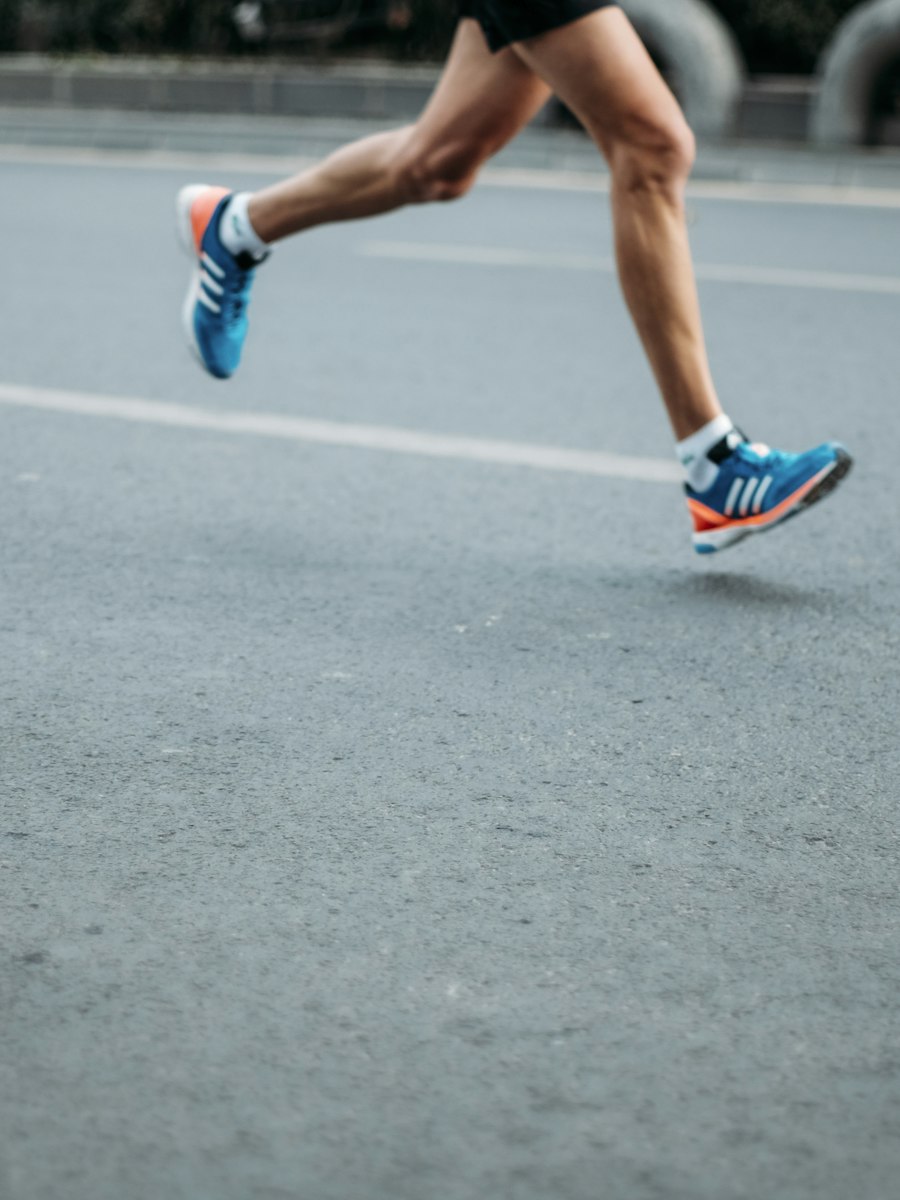


Three focused tools in this AI picture enhancer. Each one fixes a specific problem — blur, low resolution, or damage — without restyling your photo.
Recovers edge detail and reduces blur in photos that came out soft.
- Motion blurCompensates for camera shake or subject movement during exposure.
- Out-of-focus areasBrings back detail in regions that missed the focal plane.
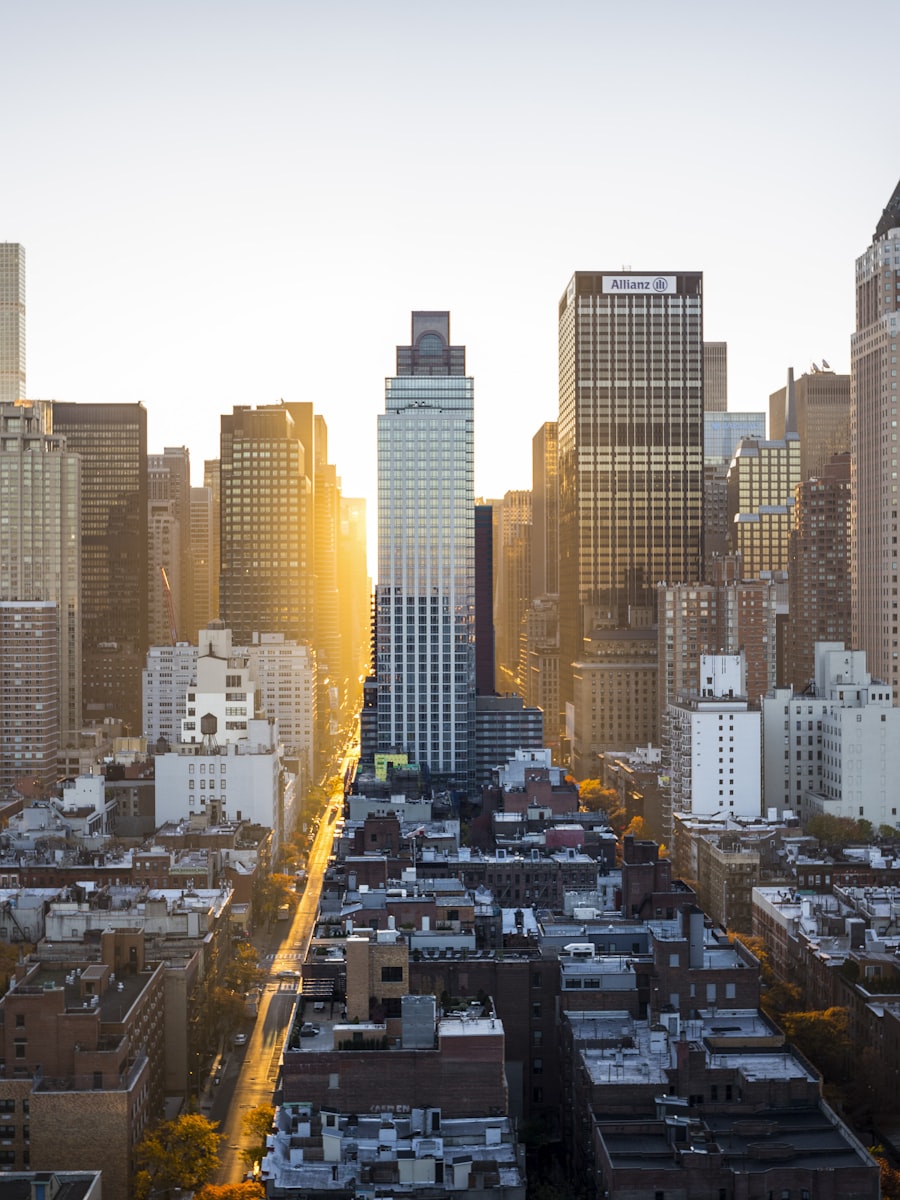
Increases resolution by generating new pixels, not by stretching the original.
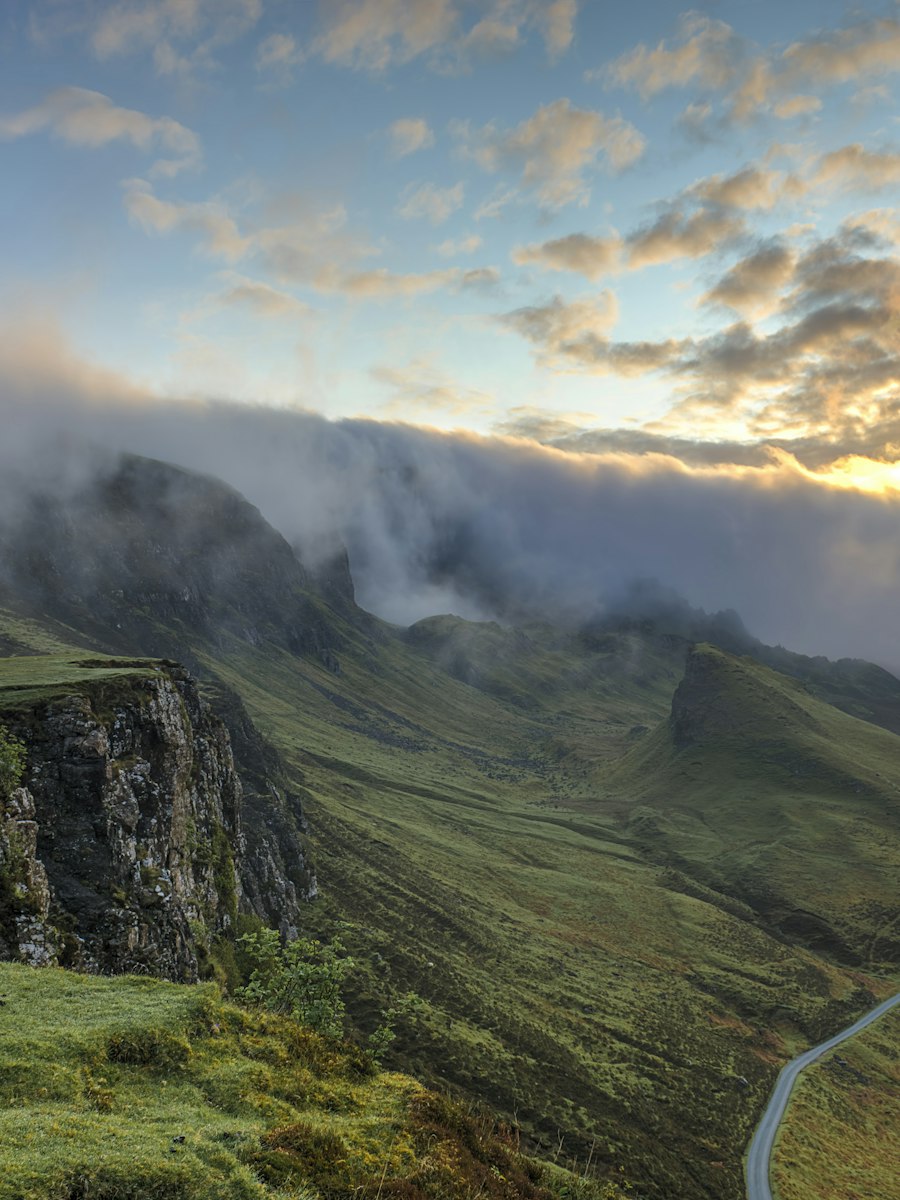 1K output (free)Guests and unpaid users download results at up to 1K resolution.
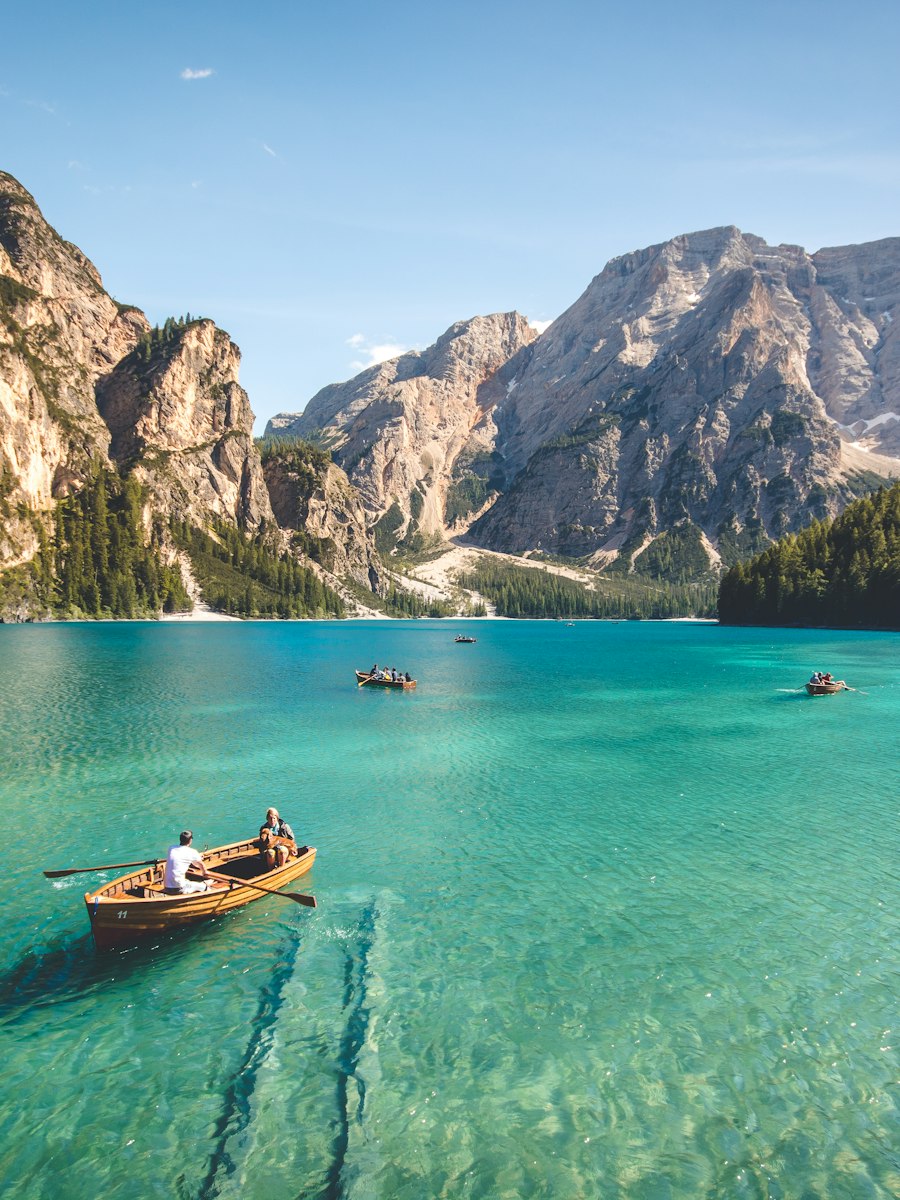 2K / 4K outputPaid accounts can request larger output sizes for print or a big crop.
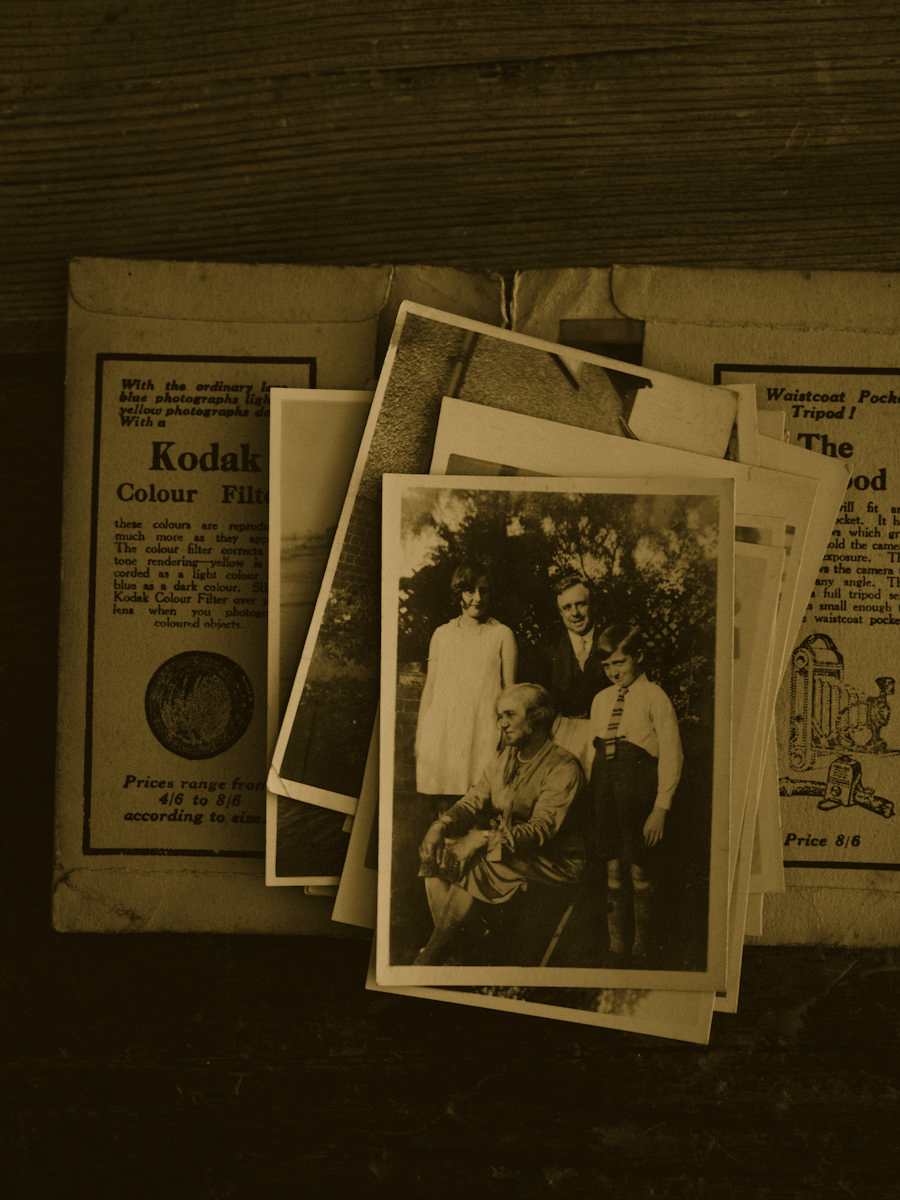
Repairs visible damage on old prints and scans — scratches, fading, and tears.
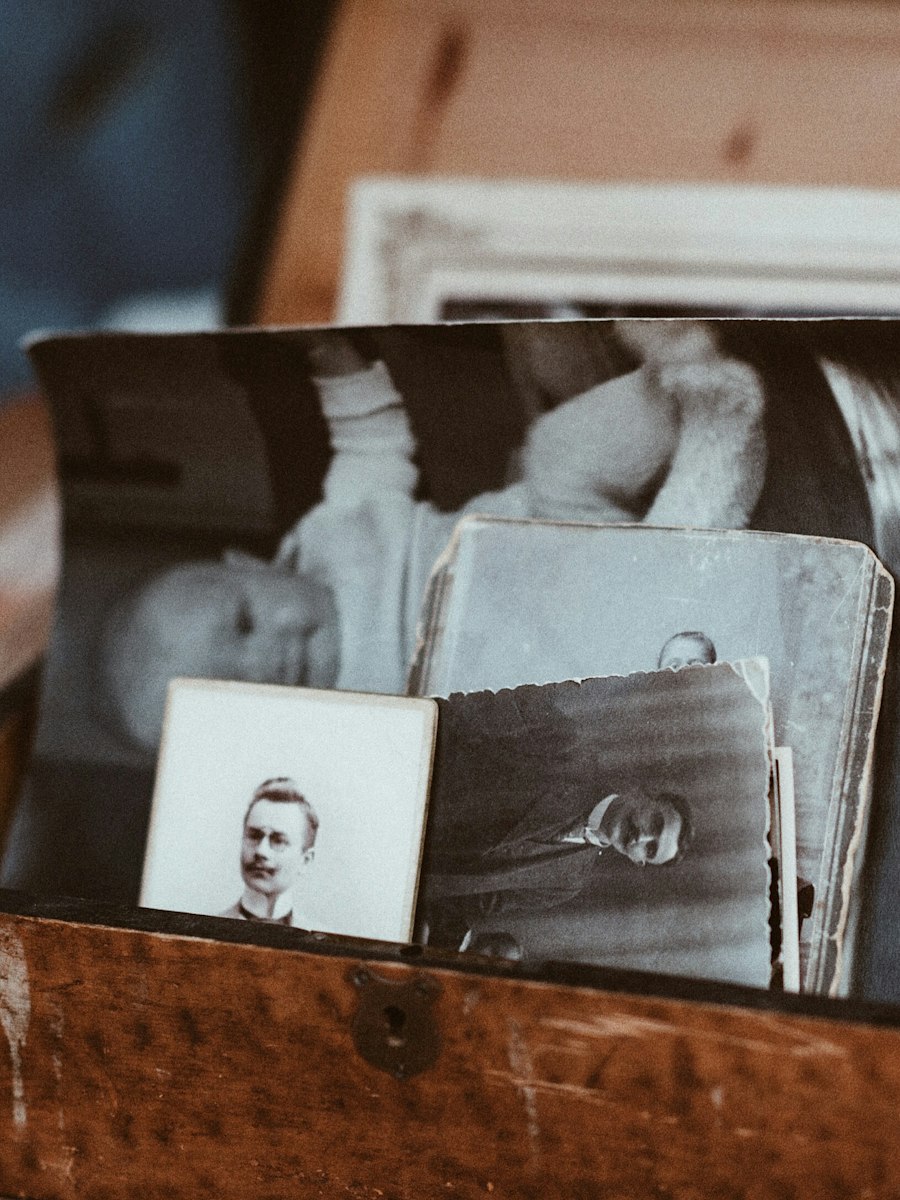 Physical damageFills in scratches and tears while matching surrounding texture.
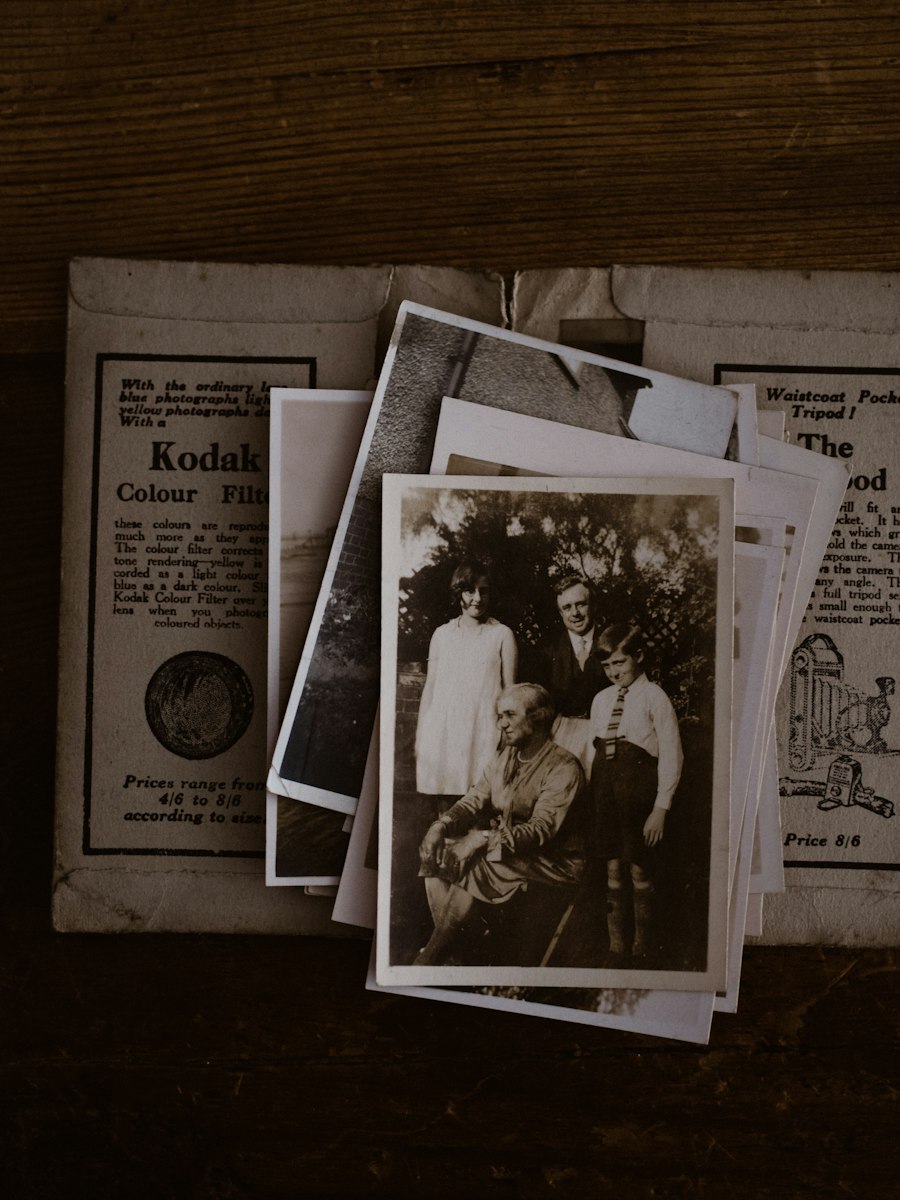 Color and tone fadeCorrects yellowing and loss of contrast in aged photographs.
When a picture enhancer helps most
From accidental camera shake to family archives, here is how creators, photographers, and archivists put a picture enhancer to work every day.
Enhance picture quality in portraits
Rescue family portraits and travel snapshots spoiled by slow shutter speeds or missed focus. Recover natural skin texture, eyelid clarity, and individual hair strands without plastic skin smoothing or facial re-rendering.
Old Prints & Vintage Archives
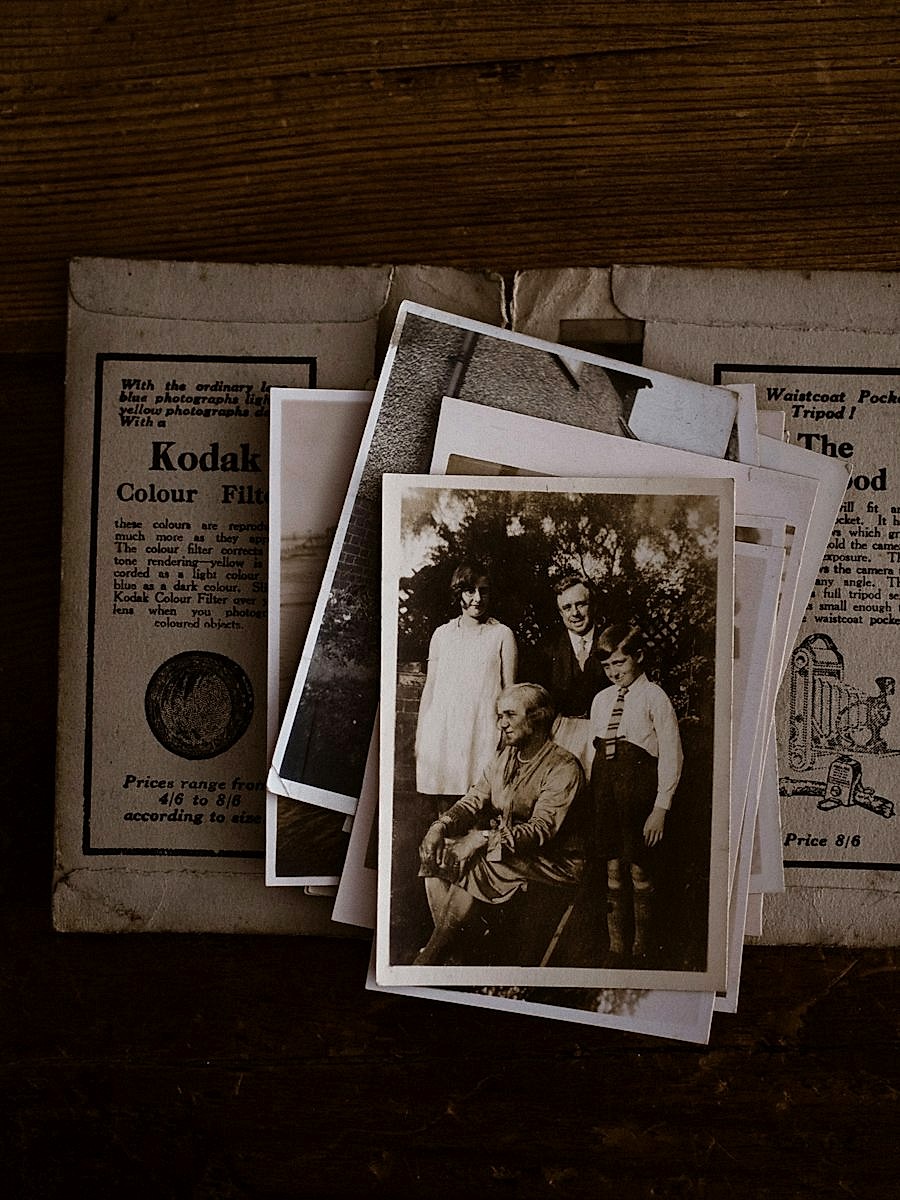
Breathe life into physical photographs from decades past. Clean up dust marks, surface creases, and yellowed paper while preserving the nostalgic character and grain of vintage camera film.
E-Commerce & Product Photography
Enlarge product thumbnails and catalog imagery to meet strict e-commerce marketplace standards. Produce crisp zoomable listings that show stitching, materials, and product labels clearly to buyers.
Digital Graphics & Screenshots
Clean up heavy JPEG compression noise, fuzzy user interface screenshots, and low-res illustrations. Scale graphics smoothly for high-definition presentations, marketing decks, and retina displays.
How to use this picture enhancer
No account needed to start. Upload a file, pick a tool, and download a cleaner picture.
Compare and download
Before and after
Slide to see what changed — same face, sharper file.
Save the result
Download the enhanced file. Free output is 1K.
Keep going in chat
Ask for another pass in the same thread after it generates.


See what this enhancer does
Before and after in one glance — split, side by side, or drag the portrait. Then try it on your photo.





Picture enhancer limits and file specs
Upfront limits for this picture enhancer: what the tools do, which files we accept, and how uploads are handled.
File Format Compatibility
Accepts standard JPG, PNG, and WebP files up to 20MB. Both color snapshots and monochrome black-and-white prints are fully supported across every processing pipeline.
Resolution & Export Sizes
Free guest passes produce balanced 1K outputs suitable for social sharing and web display. Paid subscriptions grant access to 2K and 4K ultra-high-definition exports for wall prints and professional publishing.
Data Privacy & File Security
Files travel exclusively through secure TLS encrypted connections. We never use your private uploads to train machine learning models, and you maintain complete authority to delete stored sessions whenever you choose.
Processing Speed & Compute
Most tasks finish within 5 to 15 seconds depending on server load and image dimensions. Each image costs credits by model, starting at 40 credits, and you can preview every detail before downloading.
Pricing
Auto-renews for credits. Cancel anytime.
Lite
For casual creators
- 24,000 credits, valid for 1 year
- Sharpen, upscale, and restore tools
- Up to 4K resolution exports
- Commercial use and watermark-free downloads
Pro
For professionals
- 57,600 credits, valid for 1 year
- Sharpen, upscale, and restore tools
- Up to 4K resolution exports
- Commercial use and watermark-free downloads
Ultra
For power users
- 120,000 credits, valid for 1 year
- Sharpen, upscale, and restore tools
- Up to 4K resolution exports
- Commercial use and watermark-free downloads
Questions about Picture Enhancer
A picture enhancer is specialized software that improves the visual clarity, sharpness, and resolution of digital pictures. Picture Enhancer executes these tasks directly inside your web browser: simply upload an image, select Sharpen, Upscale, or Restore, and retrieve an enhanced version in seconds.
Open this page on desktop or mobile, drop an image into the upload box, select your preferred tool, and click Enhance. Guests can try it without creating an account or entering payment details. Free downloads are 1K.
No. Every generated export is completely clean and watermark-free, including outputs created on free trial credits. You can immediately share, publish, or print your enhanced pictures.
Unregistered visitors and free accounts export images up to 1024px (1K resolution). When you subscribe to a paid plan, you unlock 2048px (2K) and 4096px (4K) high-resolution export pipelines.
Yes. The Restore pipeline is specifically designed to eliminate scratches, tears, water stains, and tonal yellowing from scanned vintage prints. If your picture is undamaged but blurry, use Sharpen instead.
Uploads travel over HTTPS and are used only to process your enhancement. They are never indexed by search engines or used to train AI models. Your uploads and results stay in your account while it is open, so you can revisit and download them. You can delete individual generations or whole chats at any time.
Yes. You can try the enhancer in the browser without an account. Purchase credits when you need high-volume processing or 4K resolution options.
Sharpen focuses on fixing optical softness and camera shake by reconstructing clean edge boundaries. Upscale increases the physical pixel dimensions of small files. Restore repairs physical abrasions and tonal degradation on old physical scans.
Most pictures process within 5 to 15 seconds. Processing time depends on the input resolution and which algorithm you select.
Yes. You retain full ownership of your uploaded content and receive complete commercial rights to use, market, distribute, and sell all resulting outputs without royalties.
Try this picture enhancer on your first photo
No registration required, no credit cards, and no watermarks. Test our online picture enhancer in the browser today and see the clarity difference for yourself.