
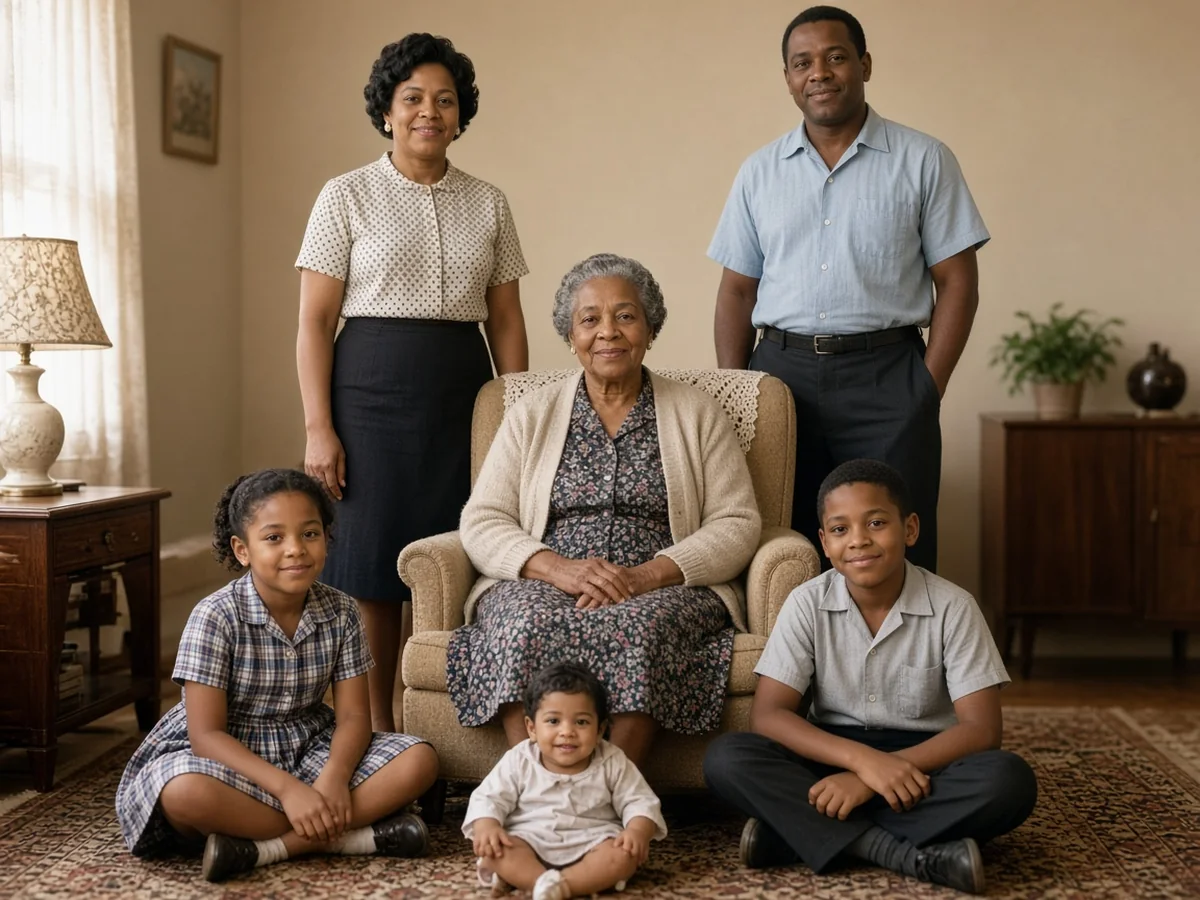
Family photos
Names and dates written in the white border are how you tell people apart later. Treat that margin as part of the photo, not empty space to crop away.
Fix yellowing, scratches, and torn corners on an old print in one upload. One free generation, no signup.
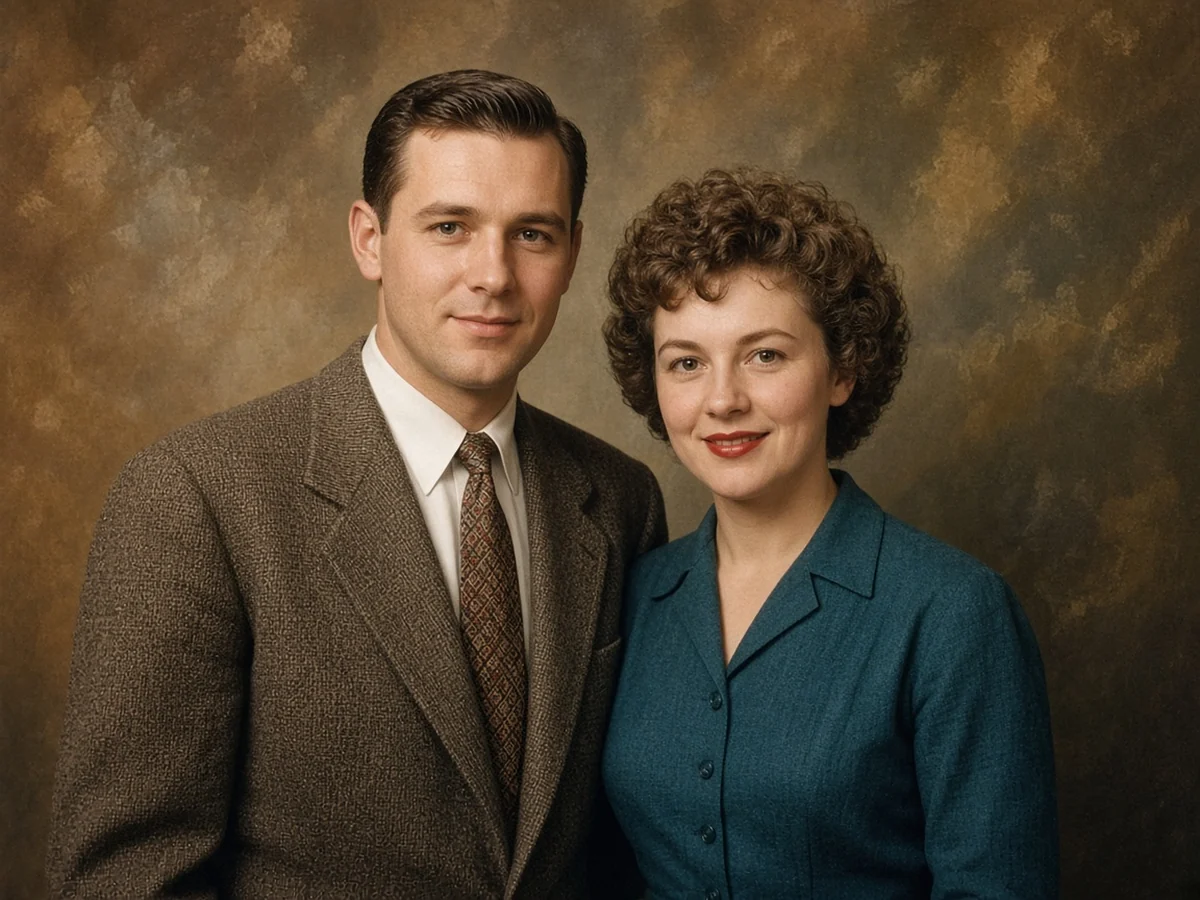
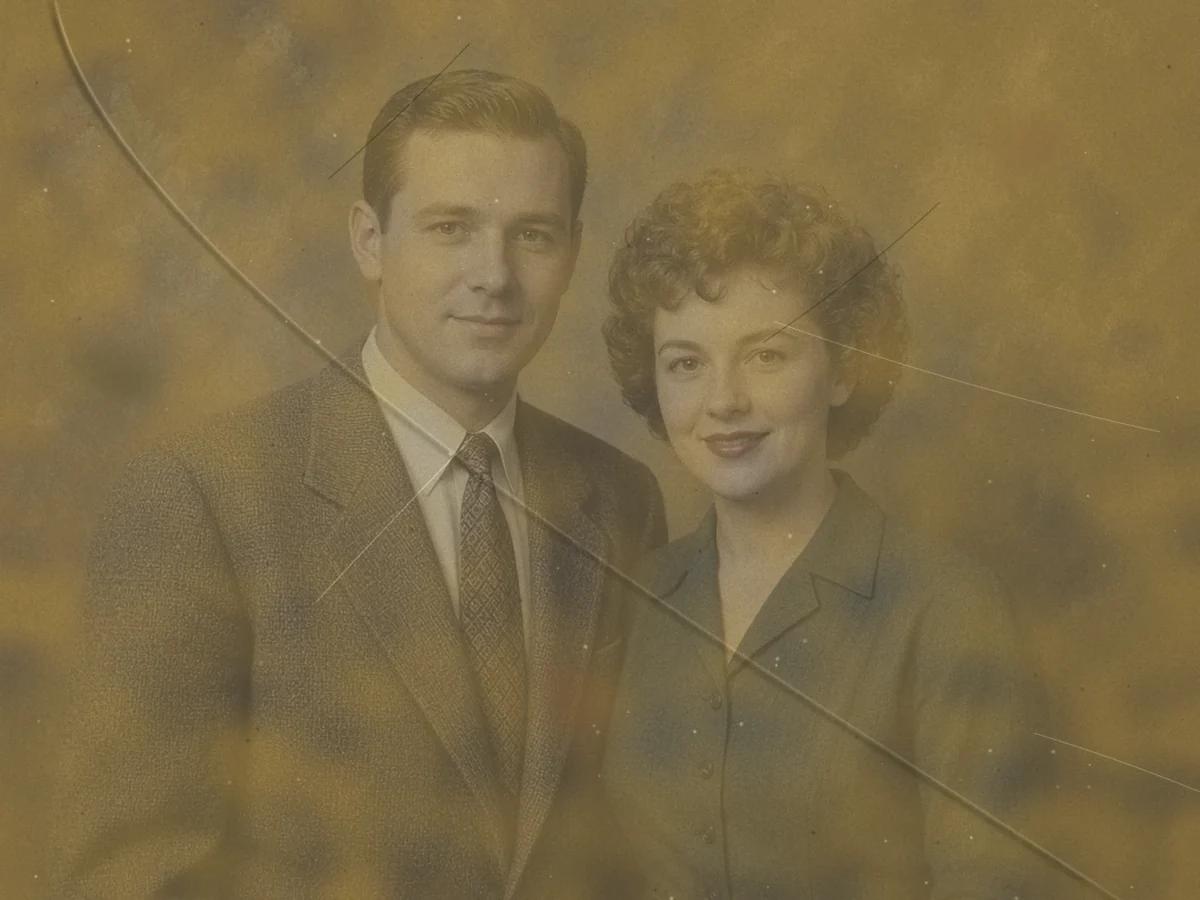
JPG, PNG, or WebP, up to 20MB. The free download is 1K (1024px).
These prints are how a family remembers the people in them. Family albums, uniform portraits, weddings, and group scans tend to fail in different ways, so the repair is not the same job every time.
Names and dates written in the white border are how you tell people apart later. Treat that margin as part of the photo, not empty space to crop away.
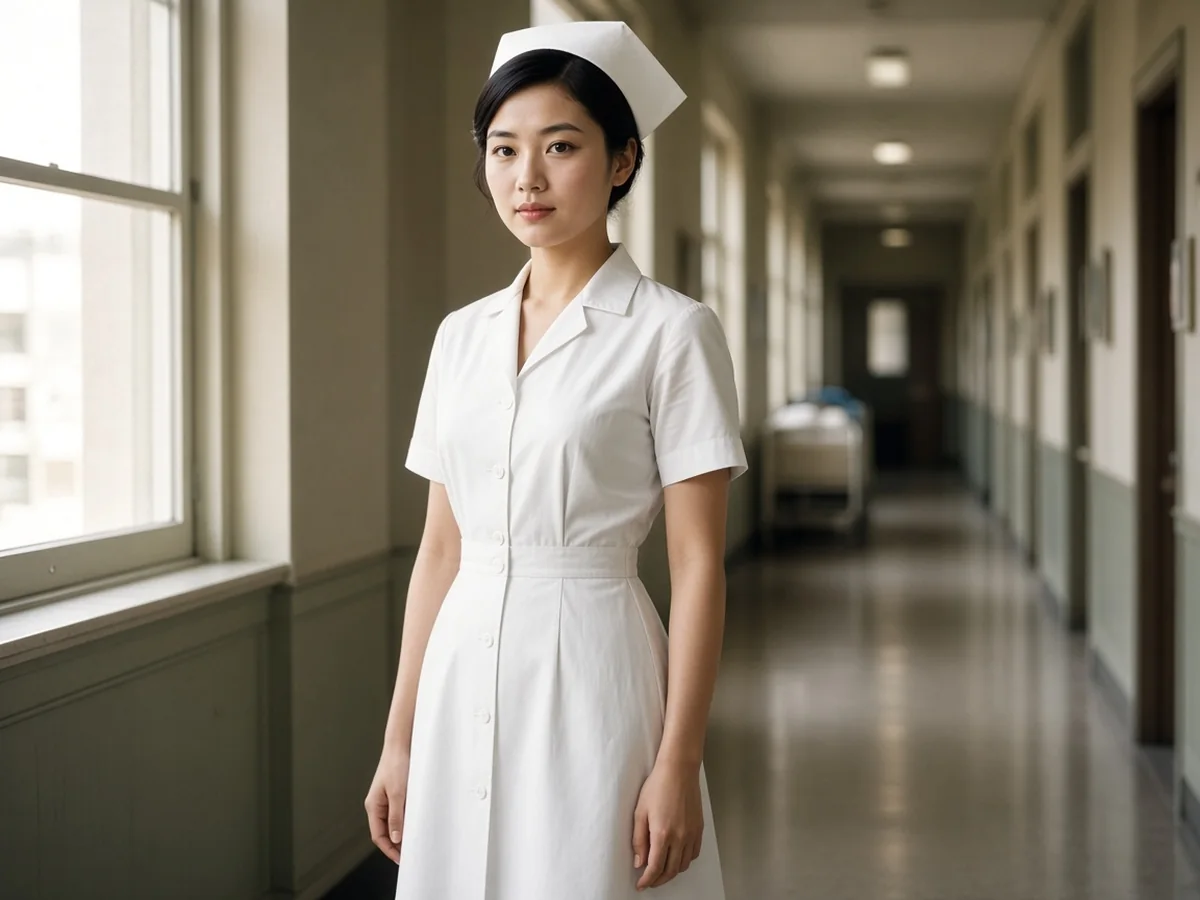
Military portraits, nursing portraits, and other uniform photos are easy to over-smooth. After the repair, check insignia, badges, and buttons, because a rank mark or a cap badge can soften into a blob.
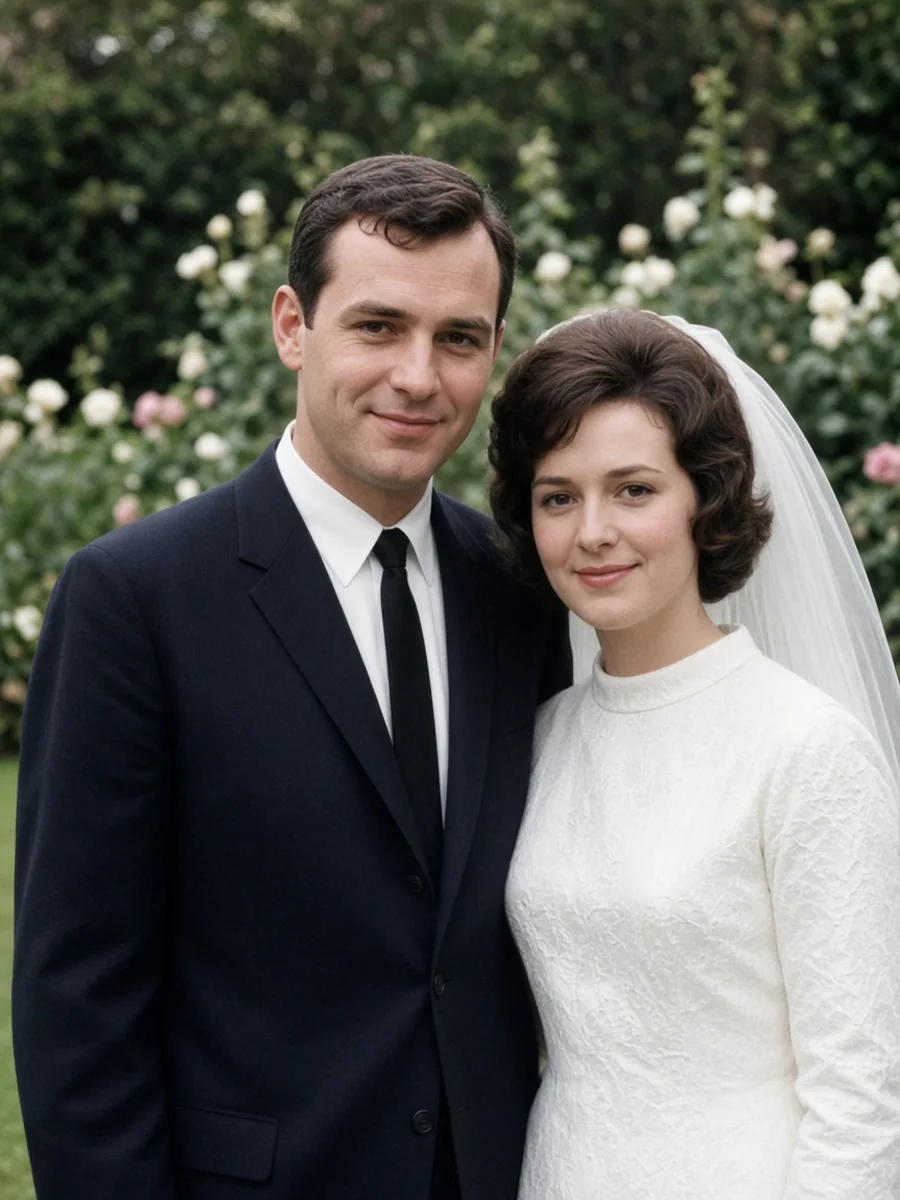
White dresses yellow before the rest of the print, and lace is easy to over-smooth into a flat patch. If you can still see the pattern, keep it.
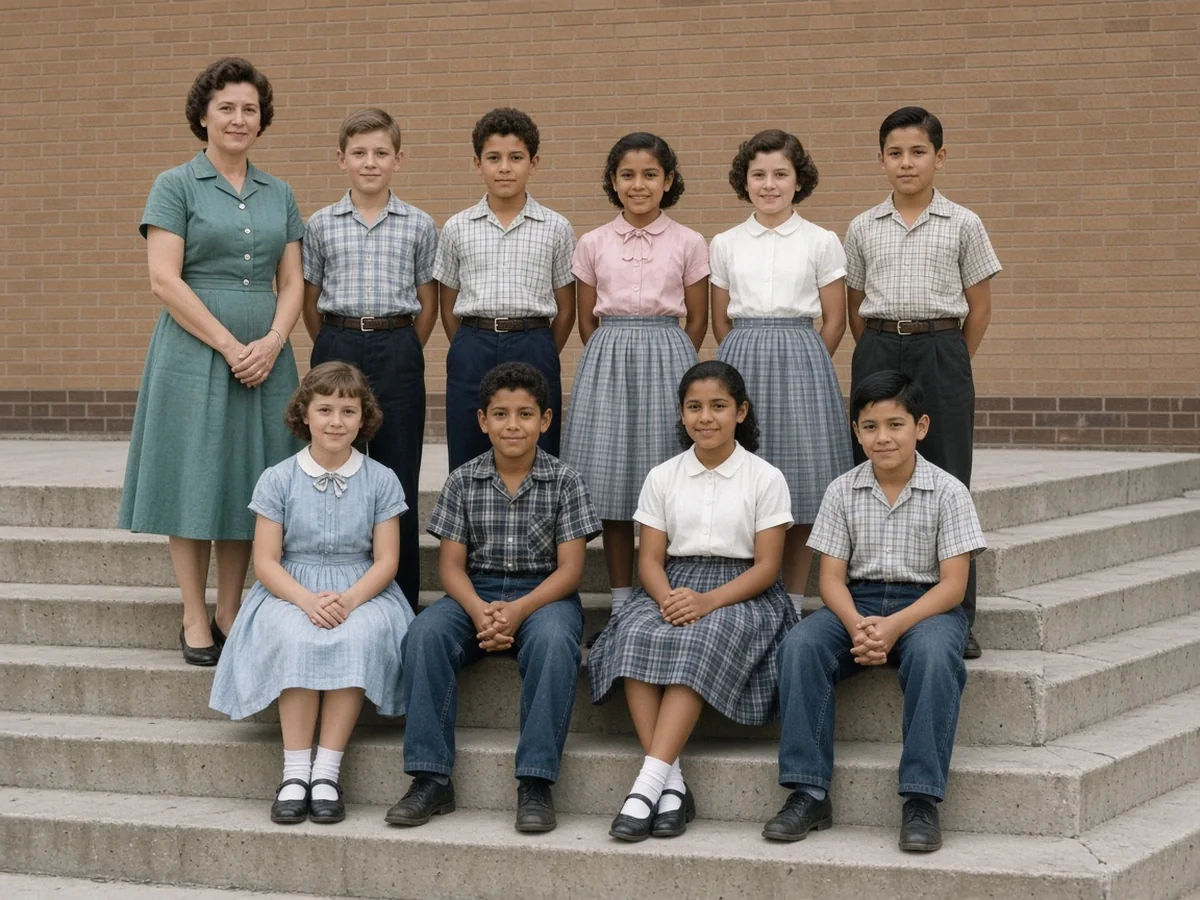
Faces in the back row of a class or team photo are small, so a low-resolution scan does not hold them. Use a high-DPI scan when you still have the paper.
Yellowing, a tear, a stain, dust from a scan, and a black-and-white portrait are different problems, so match the mark before you pick a fix. Drag each slider to see the repair.
The paper has gone yellow, and dark or pale mould spots sit on the picture where they were never part of the scene. The color comes back, and those spots come off.
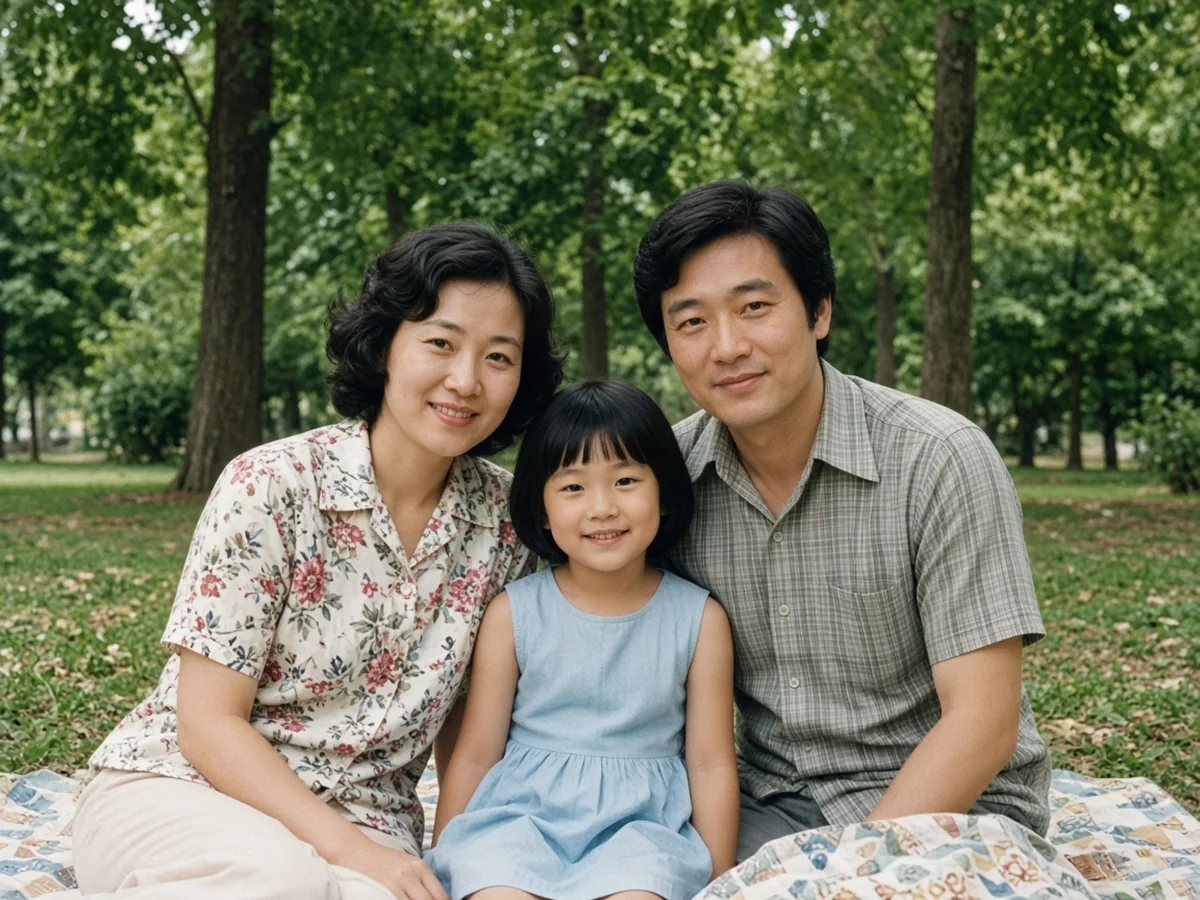
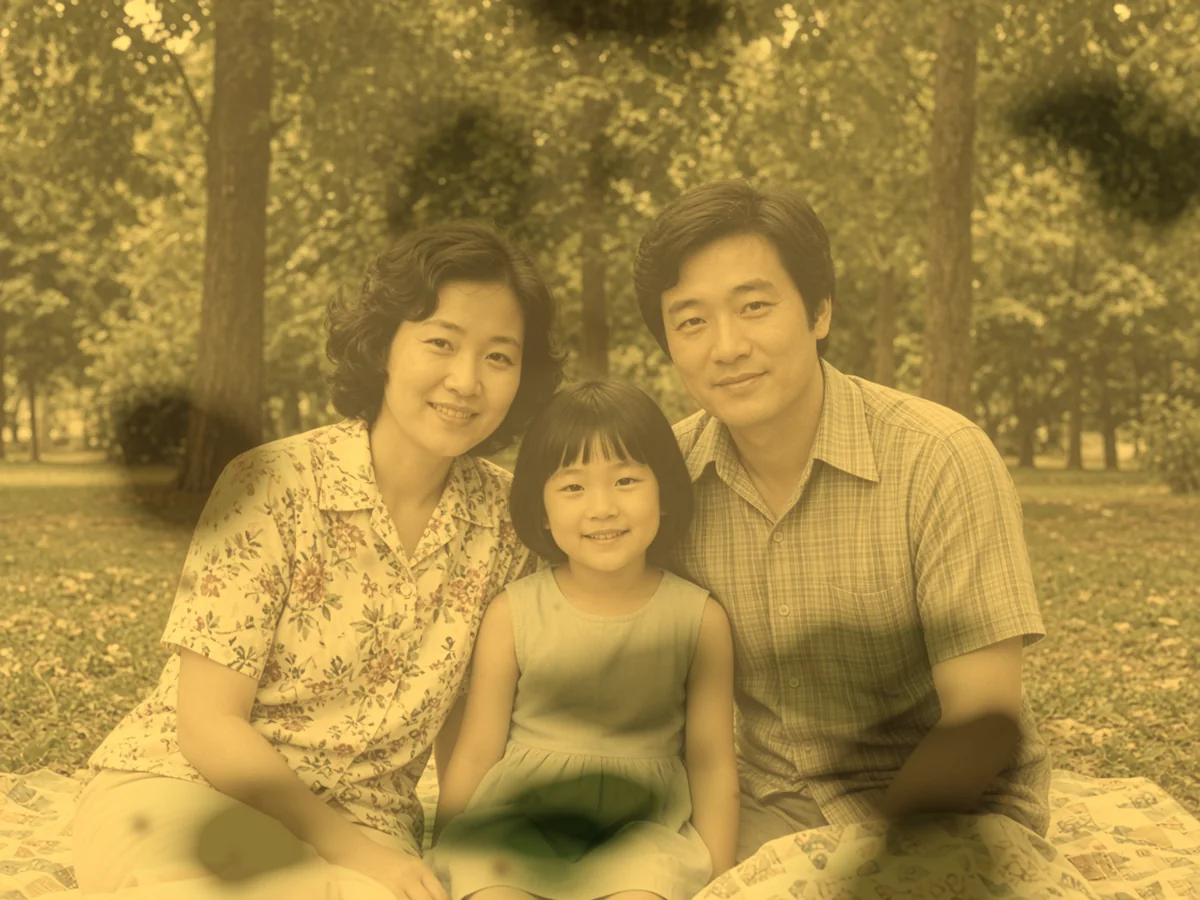
A corner of the paper is missing, and a straight crease runs through the picture. The corner is rebuilt and the crease comes out. Where the paper was gone, the fill is an estimate.
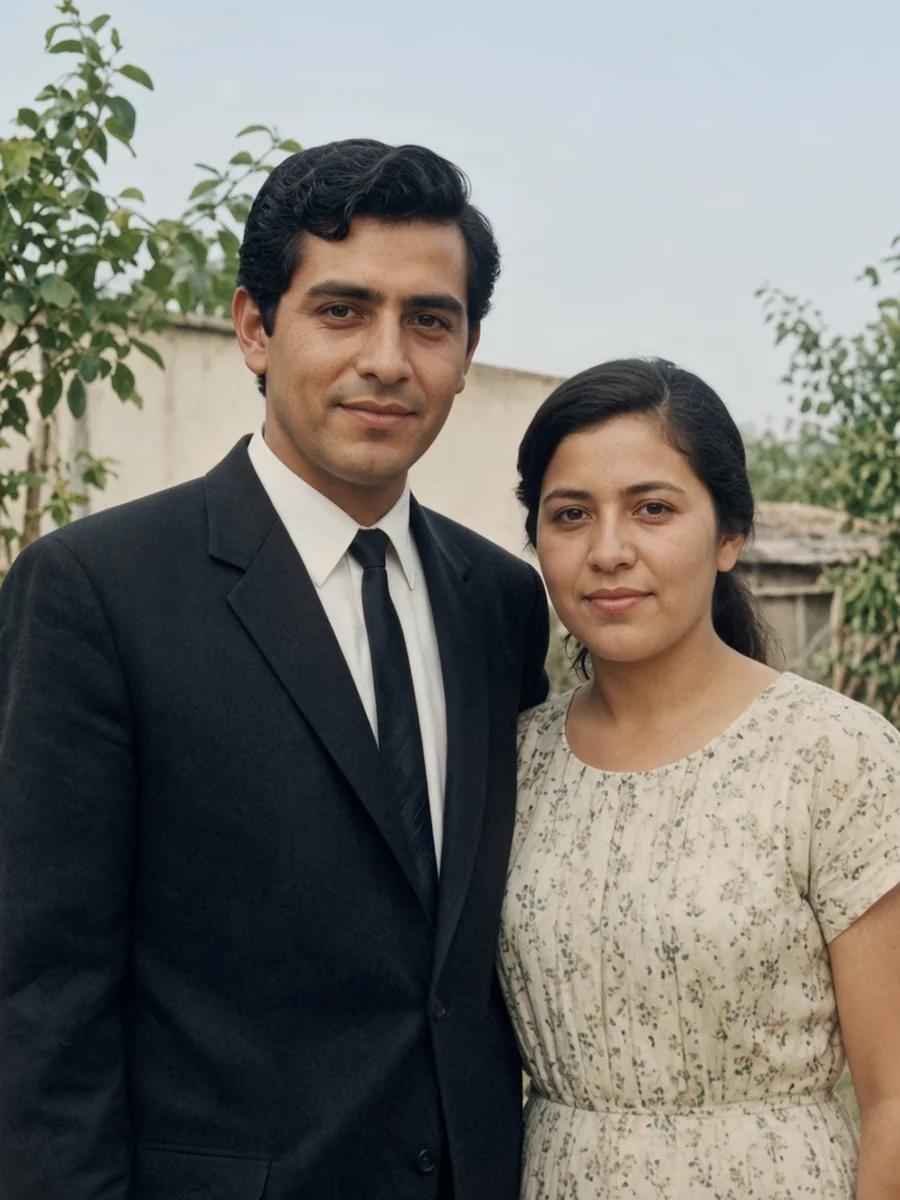
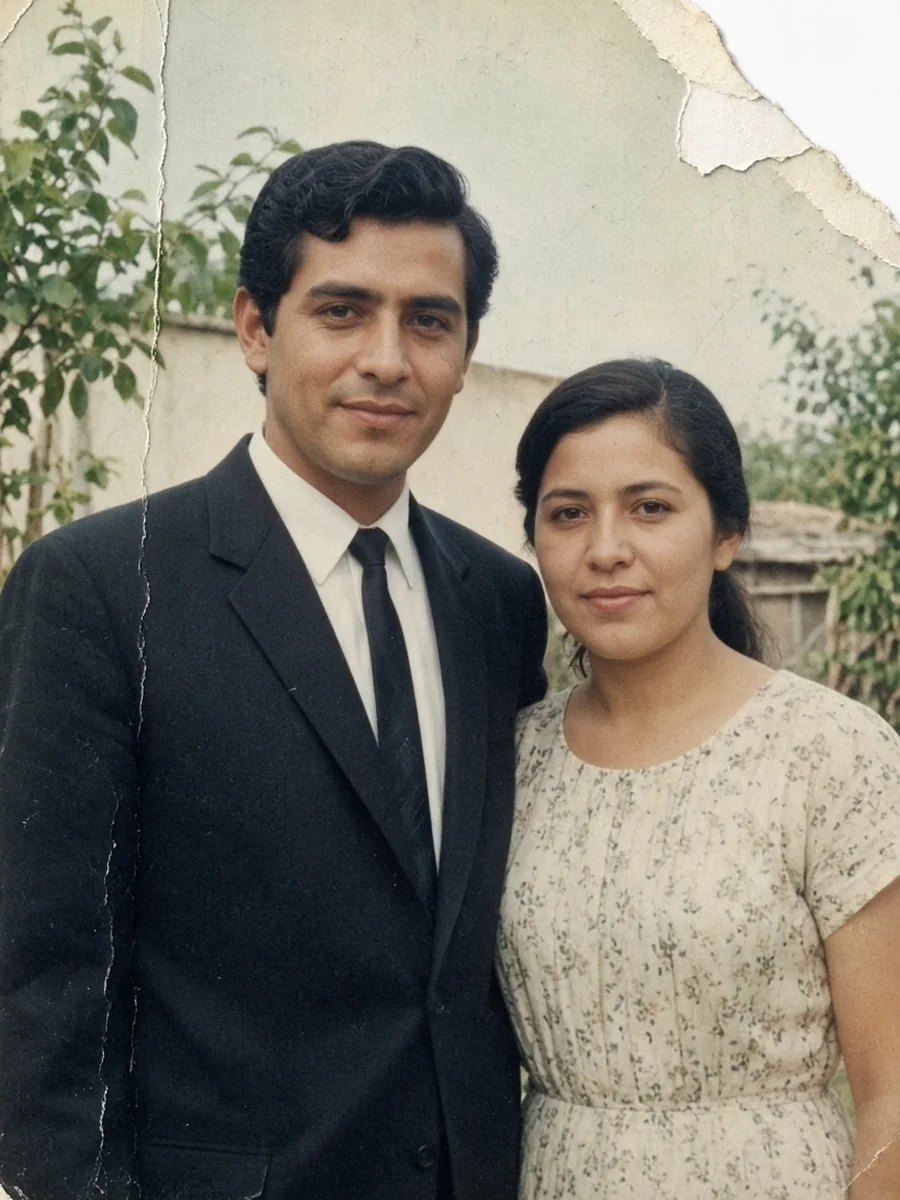
Fine white lines and specks sit on top of the picture, from the paper or the scanner glass. The picture underneath is still there, so the pass only has to clear the surface.
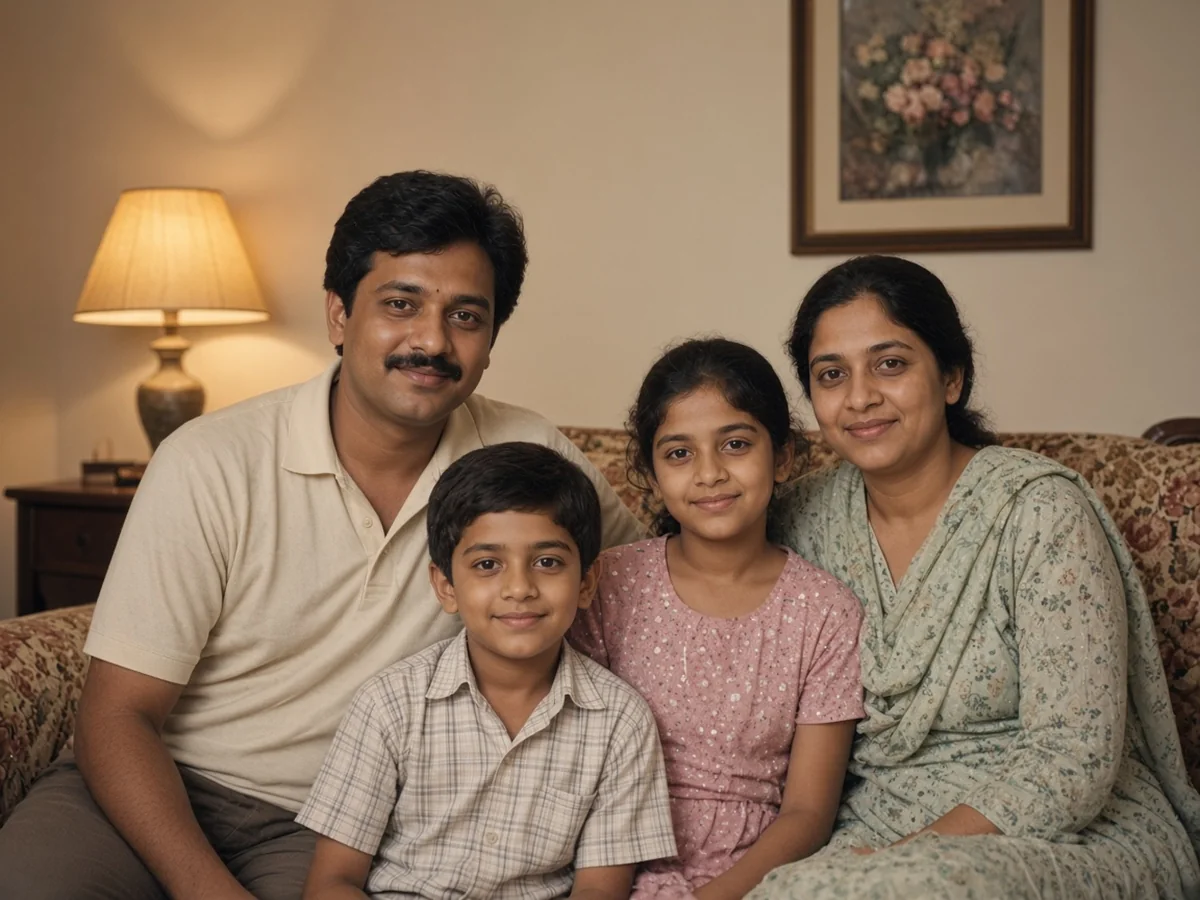
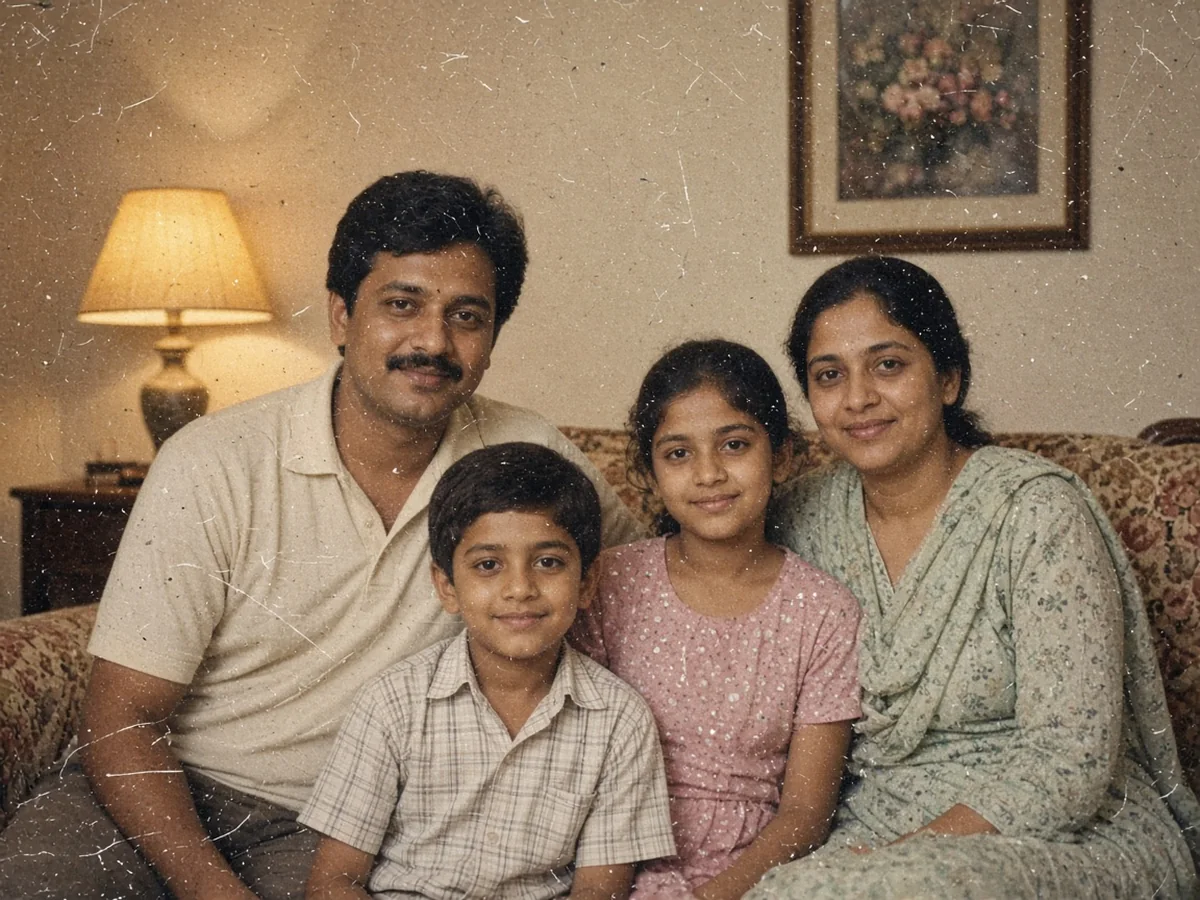
A black-and-white portrait can take color. Treat those colors as an estimate, not a record of the original dyes.

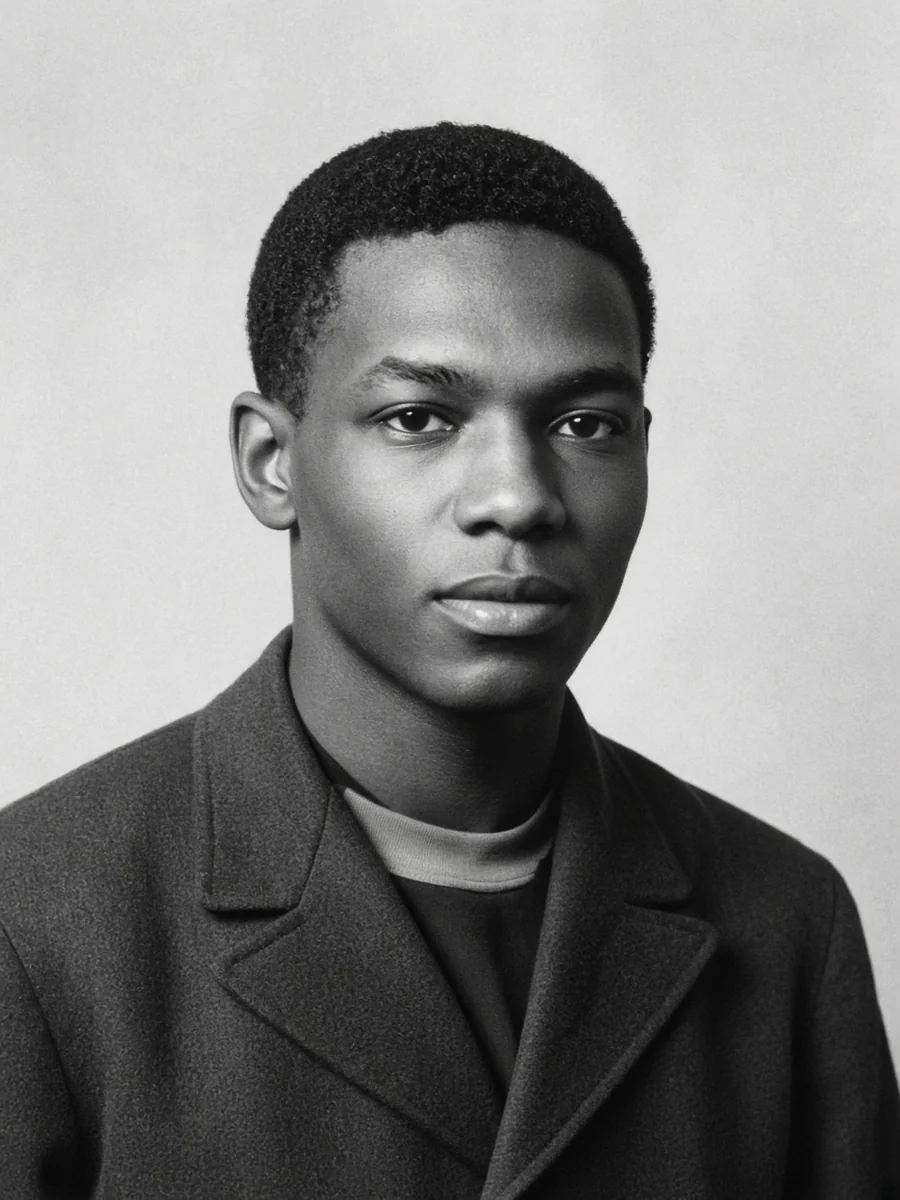
A 4×6 at 300 DPI is only 1200×1800 pixels, so faces look soft. If you still have the paper, rescan it flat at 600–1200 DPI, turn scanner sharpening off, and save a TIFF or a single JPEG. No scanner: photograph it straight down, in even light, with no glare.
Repair the yellowing and mould, a torn corner and a fold crease, or the scratches and dust, and leave sharpening for later.
Colorize a black-and-white print only after the damage is gone, whether it is a military portrait, a nursing portrait, or another uniform.
Sharpen lightly only if the edges are still soft. That pass does not remove mould, a tear, or dust, and sharpening before you enlarge also enlarges the halos.
Upscale last, and only if the file is still too small.
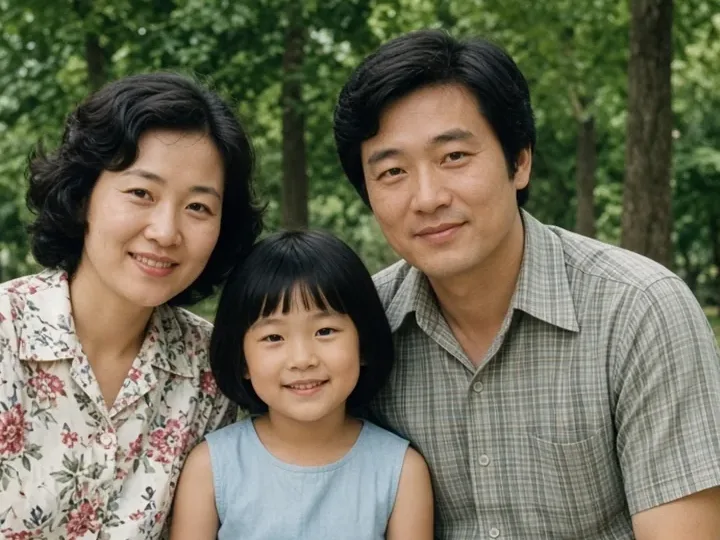 RestoreUse Restore for yellowing and mould spots, a torn corner and a fold crease, and scratches and dust.
 ColorizeColor is not a separate tool. You ask for it in the Restore prompt.
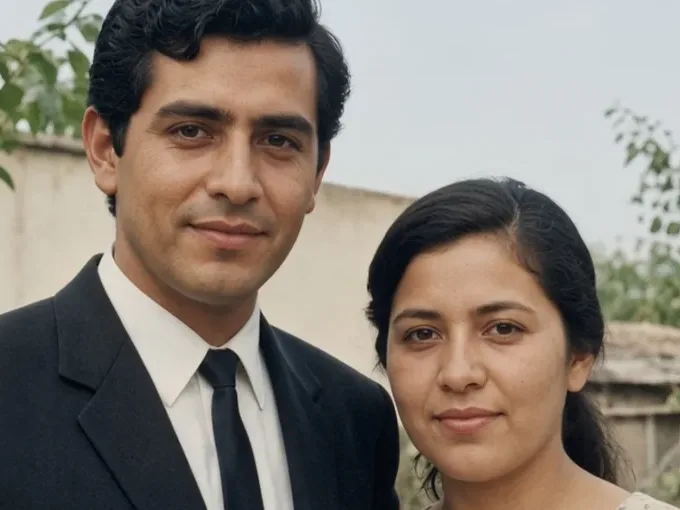 UnblurSharpening only rebuilds edges on a photo that is intact but soft. It will not lift mould, rebuild a corner, or wipe dust. If the photo is mainly out of focus rather than damaged, use Unblur Image.
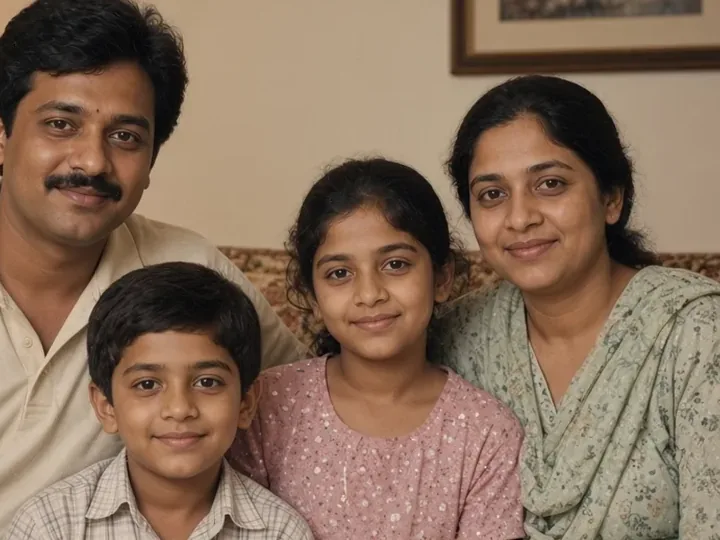 UpscaleUpscale adds pixels and does not clean a crease, so run it last.
Yes. You get one free generation for the whole site, shared by every tool, not one try per tool. No account and no watermark. The free download is 1K (1024px). After that, sign in or buy credits.
No. The uploader on this page runs in the browser, including a phone browser. There is nothing to install.
Yes. One free generation, with no account. It covers every tool on the site. The next photo needs an account or credits.
Yes. Tears are filled back in, scratches and dust are cleaned off, and a water stain is lifted the same way. Where the stain has eaten the picture away, the fill is an estimate, not the original pixels.
Paper and dyes age into a yellow cast, and mould spots can sit on the picture. That is fading, not a photo that is simply out of focus.
If you still have the paper, rescan it flat at 600–1200 DPI and turn scanner sharpening off. A 4×6 at 300 DPI is only 1200×1800 pixels, so faces stay soft. No scanner: photograph it straight down, in even light, with no glare.
No. Scan it or photograph it, then upload it here. The first restore is free and does not need an account. Later photos use credits. You do not ship the paper.
Yes. Color is part of the Restore prompt, not a separate button. What you get is an estimate, not the dyes the paper still holds.
It can repair the damage, but it cannot invent detail a 300 DPI scan never captured. Rescan at 600–1200 DPI if you still have the paper. Guests download at 1K, so upscale last.
It can. The model fills in pixels, so fine detail may shift. The face stays the same person: pose, crop, and who is in the photo do not change.
JPG, PNG, or WebP up to 20MB, with no separate input pixel cap. The free export is 1K (1024px), and a paid plan unlocks 2K and 4K.
Most photos finish in 5 to 15 seconds. After the one free photo, each photo costs credits by model, starting at 40 credits.
Yes. The download has no watermark, so you can print it or share it. The free download is 1K (1024px), fine for screens and small prints. Paid plans can request 2K or 4K.
Upload the scan for one free generation, with no account and no watermark on the download. Delete your files anytime from your history.