

BeforeAfter
Portraits
Eyes and hair come back when a portrait is only a little soft. A face already smeared across the frame stays smeared.
Unblur an image in your browser. Mild motion blur, soft focus, and low-resolution softness come back with a sharper edge.


Drag the handle. Each pair is the same photo.
Eyes and hair come back when a portrait is only a little soft. A face already smeared across the frame stays smeared.


The subject you meant to keep gets a cleaner edge. Heavy noise is still noise.


Soft edges from a scan or a small screenshot come back. Lettering that has already broken into squares is not redrawn.


A product shot that missed the bottle can be sharp enough to list. A tiny file that needs a larger export is an upscale job.
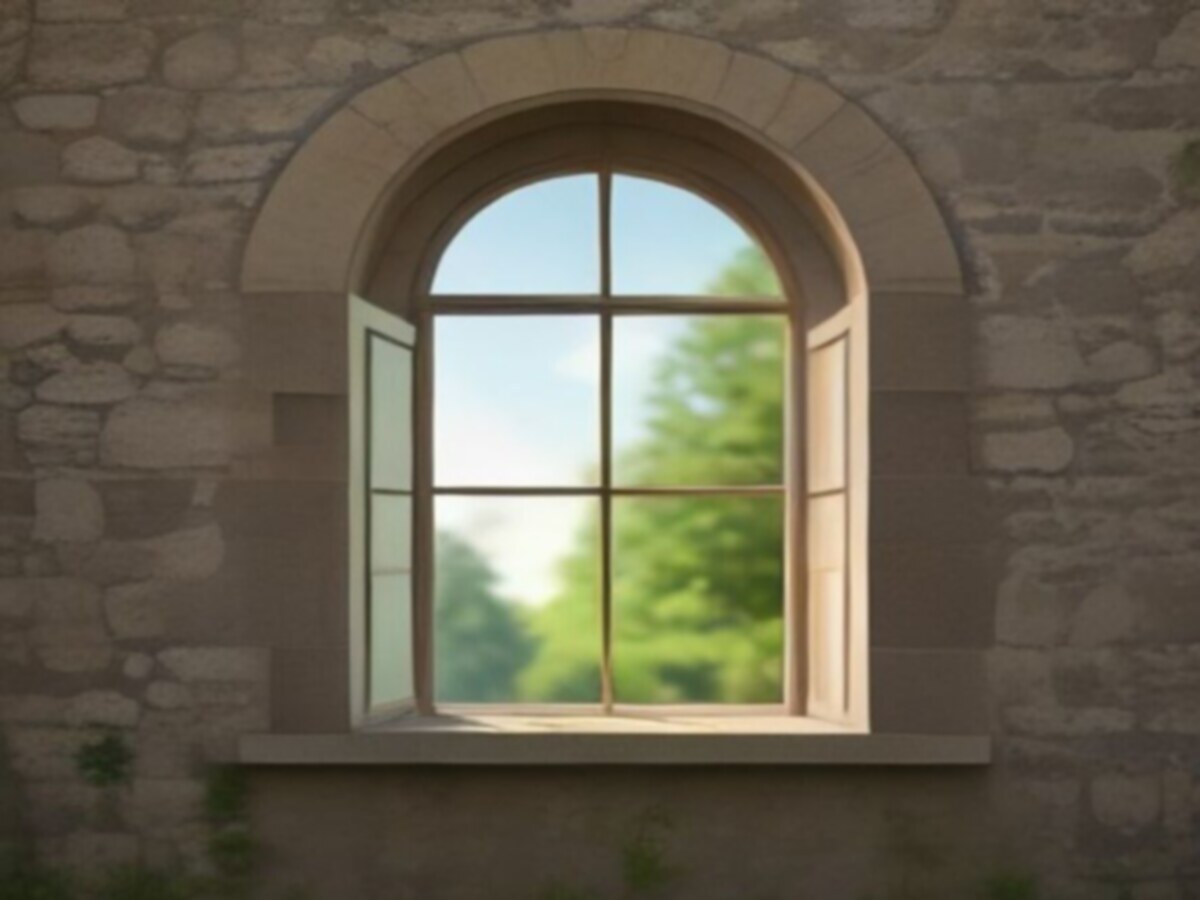
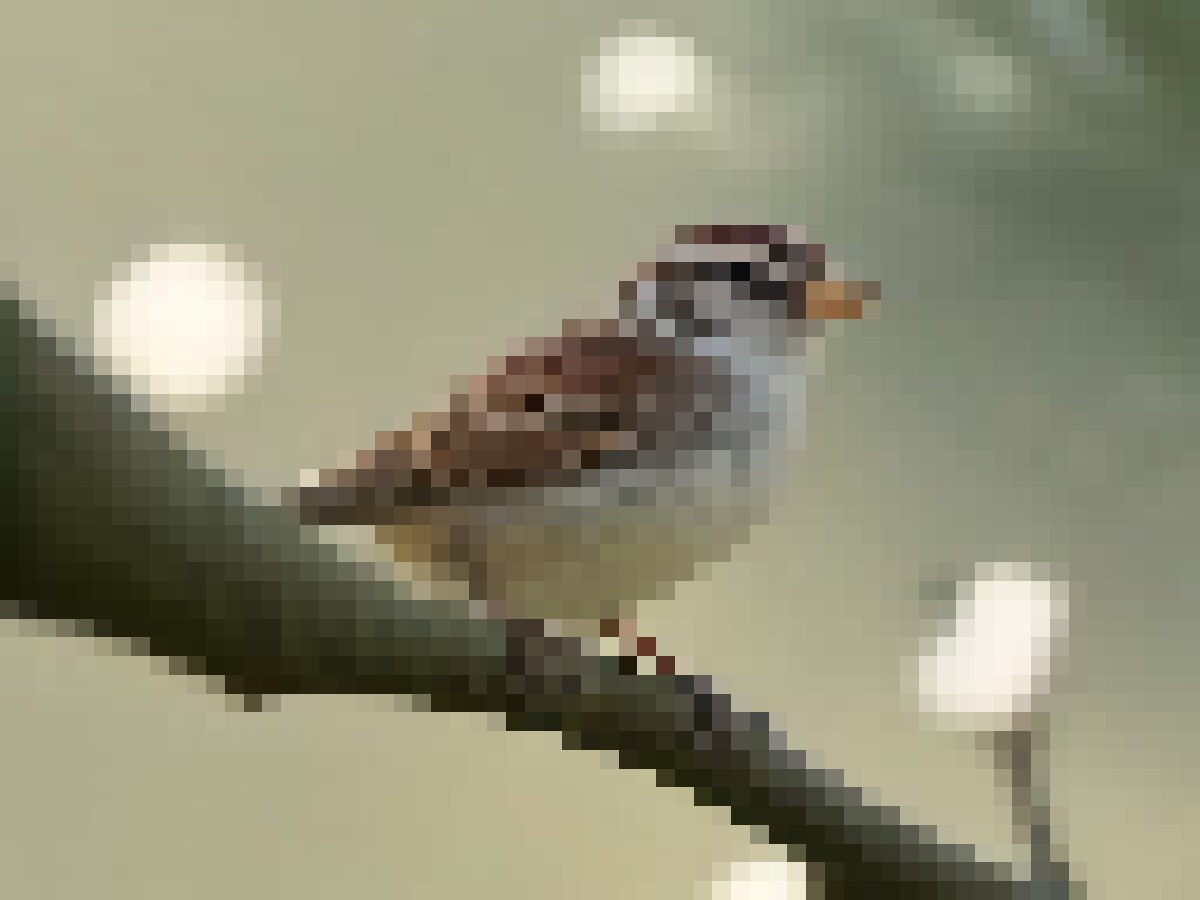
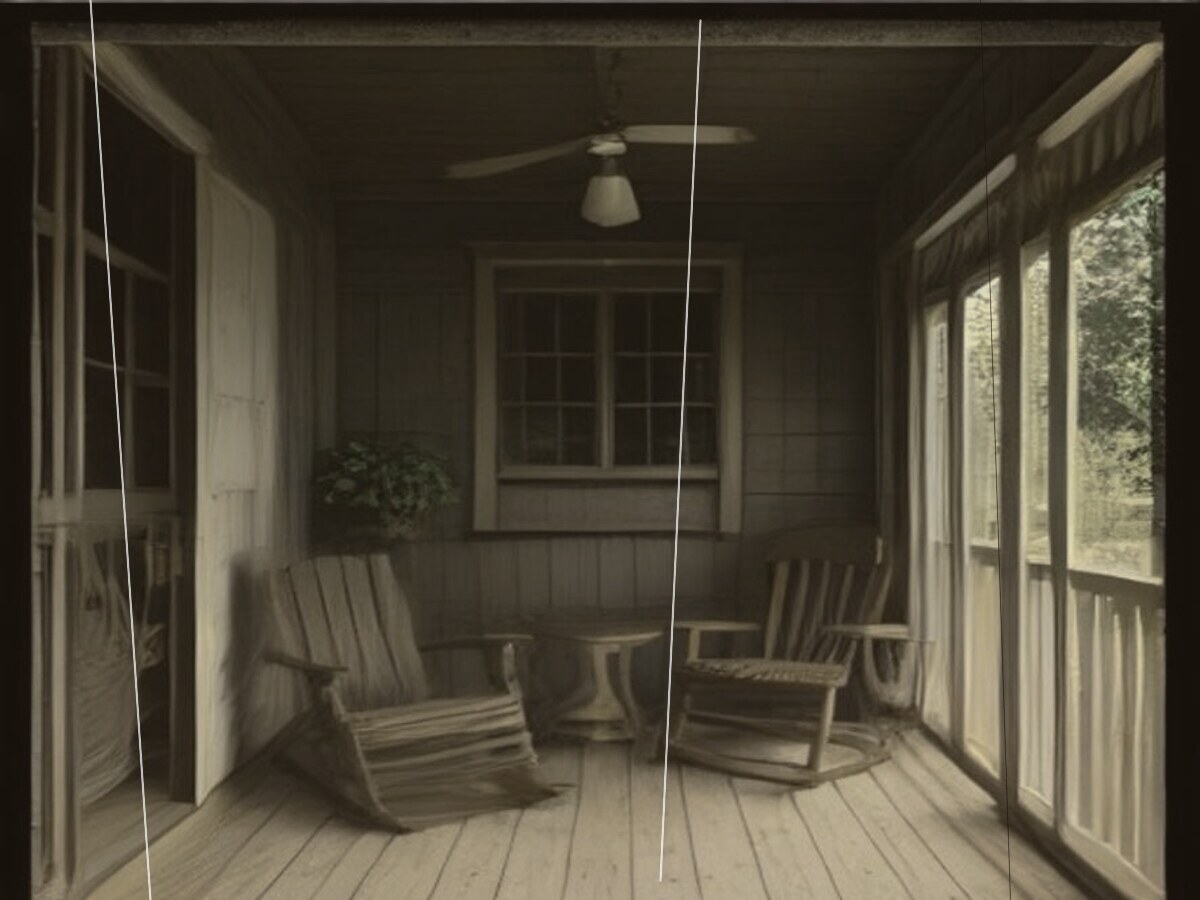
Three kinds of blur: motion blur, soft focus, and a low-resolution frame. Drag the handle.
Streaks run in one direction. The camera moved, or the subject did, while the shutter was open.


Edges are hazy in every direction. The lens missed the focal plane, so the subject never quite landed sharp.


Blocks, halos, and mushy edges. The file was small, or a chat app compressed it until detail broke into squares.


Drop a JPG, PNG, or WebP. The first photo does not ask you to create an account.
This page preselects Unblur, which runs the Sharpen pass. Switch only if the photo needs Upscale or Restore instead.
Most photos finish in 5 to 15 seconds. The free download is 1K and has no watermark.
Unblur and Sharpen are the same pass. They rebuild edges when the photo is already large enough but looks soft. Choose Upscale when the file is small and you need more pixels. Choose Restore when the problem is scratches, fade, or a damaged print, not blur. Running every pass on a sharp photo will not improve it.
Yes. A classic unsharp mask only raises contrast on edges that already exist. It will not rebuild detail the camera never recorded.
Yes. You get one free generation for the whole site, shared by every tool, not one try per tool. No account and no watermark. The free download is 1K (1024px). After that, sign in or buy credits.
On mild blur it does more than a sharpness slider: it estimates missing edge detail. On a photo that was never sharp, the result is still an estimate, not the original pixels.
Yes. Open this page in your phone browser, upload the photo, and download the result. There is no app to install. That first photo is the one free generation for the whole site.
Mild motion streaks, soft focus, and low-resolution softness. Not detail that was never captured: a face wiped into a smear, a subject only a few pixels tall, or a frame with no edges left.
It can. The model fills in pixels, so fine facial detail may shift. Pose, crop, and who is in the photo stay. A face that was never in focus will not return as the exact original.
Mild softness from chat apps, yes. Heavy WhatsApp or WeChat compression has already thrown detail away. The pass can reduce blockiness. It cannot restore a face the app crushed.
JPG, PNG, or WebP up to 20MB. The free export is 1K (1024px). A paid plan unlocks 2K and 4K.
Not for the first photo. One free generation covers every tool on the site. The next photo needs an account or credits.
Most photos finish in 5 to 15 seconds, depending on the file and server load. After the one free photo, each photo costs credits by model, starting at 40 credits.
One free photo in the browser, shared across every tool. No account for that first photo, and no watermark on the download.